A site record should be easy to follow, from the moment a cleaner or tradie starts a shift, to the folder your office already owns. This is that path, in four steps. The longer folder standard is in the site records blueprint.
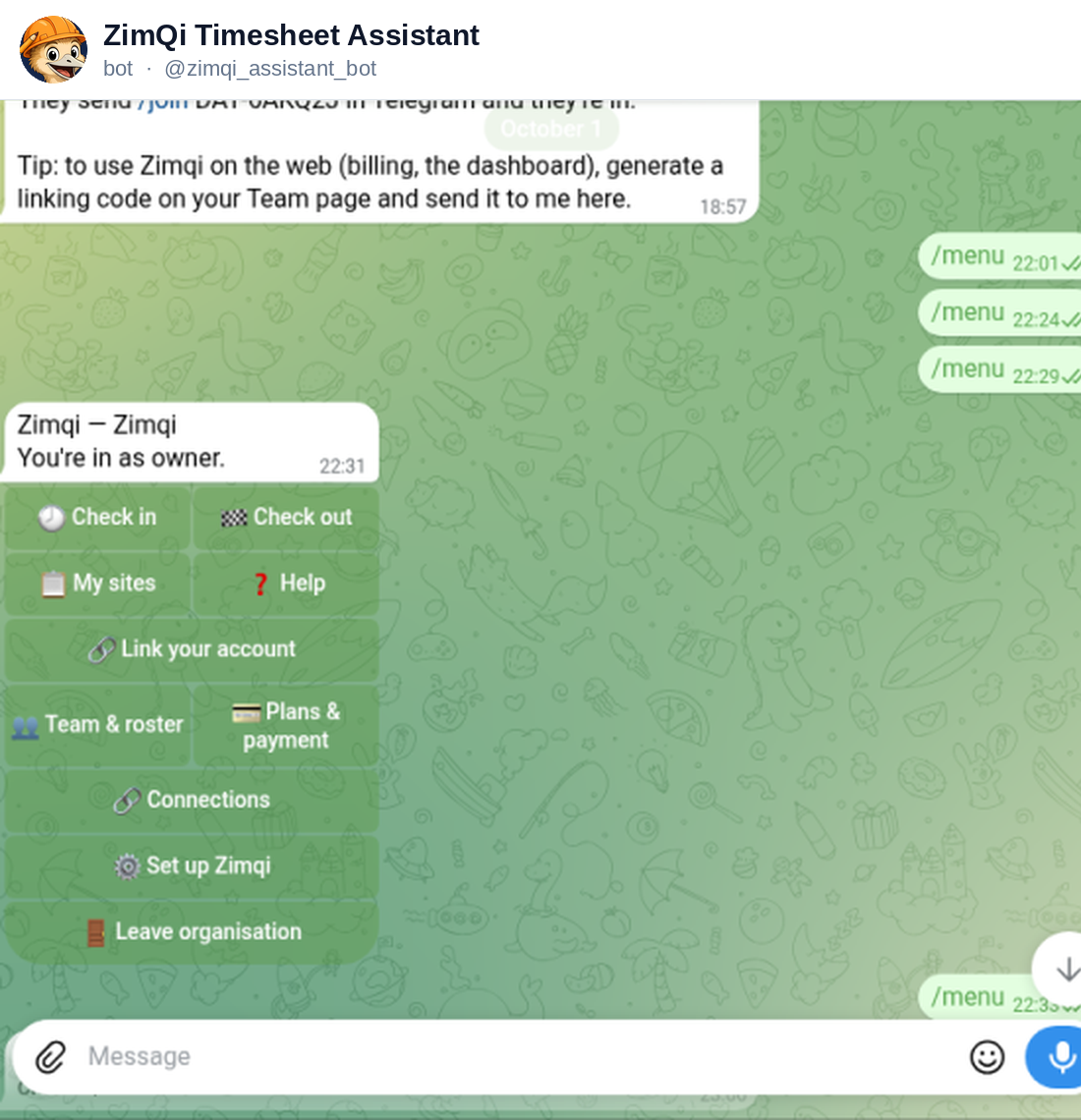
The animation walks through the four steps. The photos below are real Telegram and Google Drive captures, not mocked phone screens.
The four steps
Step
What happens
1
The crew get a reminder in Telegram, or open a browser link. There is no extra app to install.
2
They tick the site checklist and add a photo if something needs noting.
3
A logo-stamped PDF is saved. The first version stays as v1. If something changes mid-shift, v2-Amended is filed beside it, not over it.
4
Everything lands in your own Google Drive or Dropbox, in a folder for that company, site and date.
What you are looking at
A real Telegram screen. The crew stay in the chat they already use.A real Google Drive day folder: Forms, Photos and Timesheets, in your own drive.
See it on a real site
This short walkthrough uses the real screens, not a mock-up. It is the same loop as the four steps above.
ZimQi files the records you complete, with your logo, into your own Google Drive or Dropbox. It does not issue certificates, and filing a record is not compliance on its own. Your business remains responsible for reviewing and keeping its own site records.
Scan with your phone
30-day free trial, up to 300 credits · no card
t.me/zimqi_assistant_bot
Open the camera on your phone.
Point it at the code.
Telegram opens the ZimQi Timesheet Assistant. Tap Start.