Free Contractor Timesheet Template (Excel & Google Sheets)
If you pay contractors or subbies by the hour, you need a record of who worked where, and for how long, that both of you agree on. A plain timesheet does that job fine.
Here's a free one. There's no email gate and no catch.
Download the Excel template (.xlsx) · Download as CSV (opens in Google Sheets)
What's in the contractor timesheet template
One row per day, per site:
| Date | Contractor name | ABN | Site / job | Start | Finish | Break (mins) | Hours | Work done | Contractor sign | Approved by |
|---|---|---|---|---|---|---|---|---|---|---|
- Hours works itself out from start, finish and break.
- There's a weekly total at the bottom.
- There's a column for each side to sign off, so everyone has signed off on the same record.
How to use it well
A template only works if it's filled in on the day. A few tips from watching it go wrong:
- Fill it in daily, not Friday. Memory gets creative by the end of the week.
- One site per row. If someone does two sites in a day, give it two rows.
- Write what was done. A short note like "Level 2 framing" settles most "what was that for?" questions.
- Get it approved the same week. Disagreements are easier to sort while everyone remembers.
- Keep a copy. Save it in a shared folder, not just on someone's laptop.
Where templates fall over
Honestly, the template is fine. The problem is people:
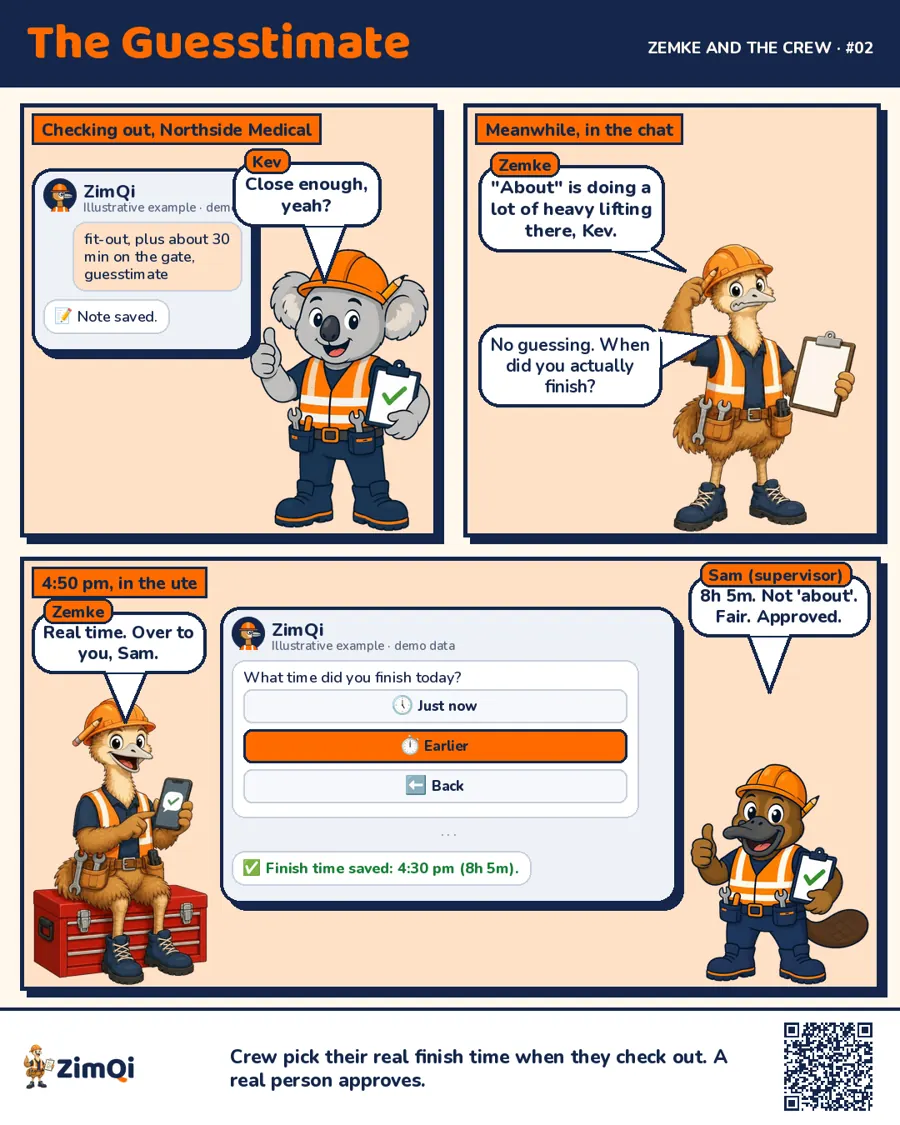
- Sheets come back on Monday, filled in from memory
- Photos of crumpled paper arrive by text
- Five subbies means five different formats
- Someone has to retype it all into Xero
If that sounds familiar, that's the bit ZimQi fixes.
A subcontractor timesheet app instead of a template
With ZimQi, contractors tap in and out from Telegram on their own phone. There's no app to download and no sheet to fill in. Their times end up in the same kind of columns as this template, without anyone retyping them.
- You approve hours with one tap
- Subbie hours can become draft bills in Xero
- Records save to your own Google Drive (OneDrive and Dropbox coming soon)
- The same chat handles site sign-in, Smart Forms (SWMS, toolbox talks, incidents, job sheets), licence and insurance expiry reminders and rosters
Keep using the template if it works for you. If you're sick of chasing it, try the other way.
Try it on Telegram, no app to download
A note on the fine print
This template is a record-keeping tool. It isn't legal or tax advice. Check with your accountant or advisor if you're unsure how to use it for your business.
FAQ
Is the template really free? Yes. Download it and change it however you like. No email required.
Does it work in Google Sheets? Yes. Open the CSV in Google Sheets, or upload the .xlsx and it keeps the formulas.
Can I add my logo? Yes. The top row is there for your business name and logo.
How is this different from an employee timesheet? It adds ABN and job and work-done columns, which help when matching contractor invoices.
Can contractors fill it in on their phone? They can, in Sheets, but it's fiddly. That's why ZimQi does it as a tap in Telegram.
Can ZimQi export in this same format? Yes. Approved hours export with the same kind of columns, or go straight to Xero.